Use iPhone as Mac Second Screen with Different Apple IDs: OpenDisplay Review
Picture this: You are trying to turn your iPhone into a second screen for your Mac. Instead of a seamless connection, you are thrown into a labyrinth of permissions. The Mac demands screen recording and accessibility access; the iPhone asks for local network permissions. Miss a single step, and you are greeted by a black screen with zero error messages. For anyone accustomed to the "it just works" philosophy of the Apple ecosystem, the initial setup of OpenDisplay feels less like a software installation and more like a hardcore hacker's rite of passage.
This isn't just about whether a tool is easy to use; it is a litmus test for how much friction one is willing to endure for the sake of freedom. As an open-source project, OpenDisplay is a paradox—it is technically brilliant in some aspects and infuriatingly janky in others.
The Good: The Weight of Freedom
Look past the frustrating setup, and OpenDisplay solves specific pain points that even Apple's own software ignores. Its core value isn't just that it "works"; it's that it works where nothing else can.
1. Breaking the "Walled Garden" Shackles
The most significant breakthrough is how it shatters Apple's identity lock-in. Apple's native Sidecar strictly requires devices to be logged into the same Apple ID. In corporate environments where logging into a personal iCloud account on a work Mac is a security violation (or just a hassle), Sidecar is a non-starter. OpenDisplay, being open-source, completely bypasses this restriction. The ability to seamlessly connect a personal iPhone to a work Mac offers a level of liberation that no paid software can match.
2. A Coder's Dream: Vertical Screen Support
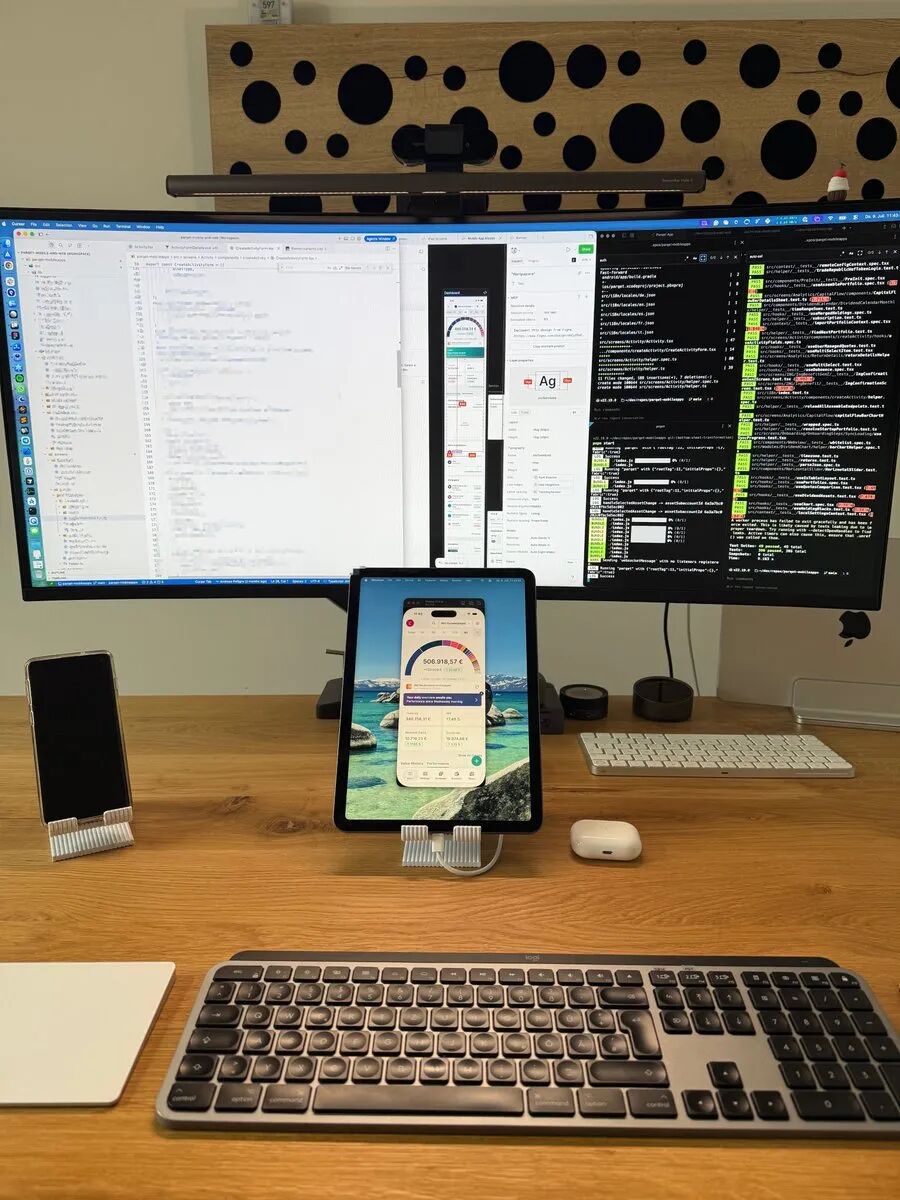
Technically, the project shows some serious geek cred. For developers, turning an iPhone vertically to use as a secondary monitor for code or documentation is a game-changer. The text rendering is crisp and sharp, fully leveraging the Retina display. macOS correctly identifies it as a vertical monitor, providing a native-like experience that transforms a small phone screen into a genuine productivity extension rather than just a glorified notification panel.
3. Near-Zero Latency on USB
When switched to wired USB mode, OpenDisplay delivers surprisingly low latency. This is thanks to its efficient use of ScreenCaptureKit for capturing and VideoToolbox for hardware encoding, paired with H.264 encoding and TCP_NODELAY to minimize lag. In testing, dragging windows and typing felt incredibly snappy with no noticeable delay, proving that the open-source community can hold its own against optimized proprietary protocols.
The Bad: The Reality Check
However, freedom comes at a price, and OpenDisplay's flaws are not just minor inconveniences—they can be deal-breakers.
1. The "Sideloading" Barrier
First, there is the brutally unfriendly installation process. Unlike the one-click App Store experience, the iPhone client currently relies on TestFlight public betas or manual compilation via Xcode. This means dealing with code signing, certificates, and provisioning profiles. This high barrier to entry immediately alienates the average user. If the sight of a terminal window makes you nervous, this is your exit ramp.
2. Wi-Fi Mode is a Total Gamble
Once you unplug the USB cable and switch to Wi-Fi, the experience enters a state of quantum uncertainty. Due to iOS's strict local network privacy rules and general Wi-Fi instability, the Bonjour auto-discovery feature frequently fails to find devices. The most frustrating part? Silent failures. There are no error logs, just two screens staring blankly at each other. It is an exercise in patience that no one has time for during a workday.
3. The Sword of Damocles
A deeper, more existential threat looms over the project: its core reliance on Apple's private CGVirtualDisplay API. This means it will never be allowed on the Mac App Store, and a single macOS update could brick the entire functionality overnight. This inherent instability is the tragic flaw of open-source tools trying to survive within a closed ecosystem.
The Verdict: Market Positioning
To truly understand where OpenDisplay fits, we have to stack it up against the giants.
| Feature | OpenDisplay | Apple Sidecar | Duet Display |
|---|---|---|---|
| Price | Free, Open Source | Free | Subscription (Expensive) |
| Supports iPhone | ✅ Yes | ❌ iPad Only | ✅ Yes |
| Diff. Apple IDs | ✅ Yes | ❌ Must be Same | ✅ Yes |
| Connection | USB / Wi-Fi | USB / Wi-Fi | USB / Wi-Fi / Remote |
| Core Advantage | Freedom, Privacy, No Limits | System Integration, Stability | Feature Rich, Cross-Platform |
| Core Pain Point | Config Hell, Flaky Stability | Walled Garden, Restrictions | Paywall, High Resource Usage |
vs. Sidecar: Trading "Magic" for Freedom
Sidecar is the gold standard for system integration; its stability and ease of use are unbeatable. However, it doesn't support iPhones, and the same Apple ID requirement is a massive wall. OpenDisplay sacrifices that magical "plug-and-play" Apple experience to give you true hardware freedom.
vs. Duet Display: Trading "Polish" for "Free"
Duet is the benchmark for commercial software. It is powerful, supposedly has better latency optimization, and supports touch/remote desktop. But it locks core features behind a subscription paywall. OpenDisplay trades some stability and feature richness for being free and transparent. For an open-source project, achieving a usable core experience is a massive win.
Final Conclusion
OpenDisplay is not a polished "product" you can blindly recommend to your grandma. It is a promising "work-in-progress."
- Who is this for? If you are a tinkerer, a privacy advocate, or someone who refuses to pay a monthly subscription for a secondary display, this tool is a godsend. Its existence proves that we don't have to rely solely on Sidecar or expensive SaaS models.
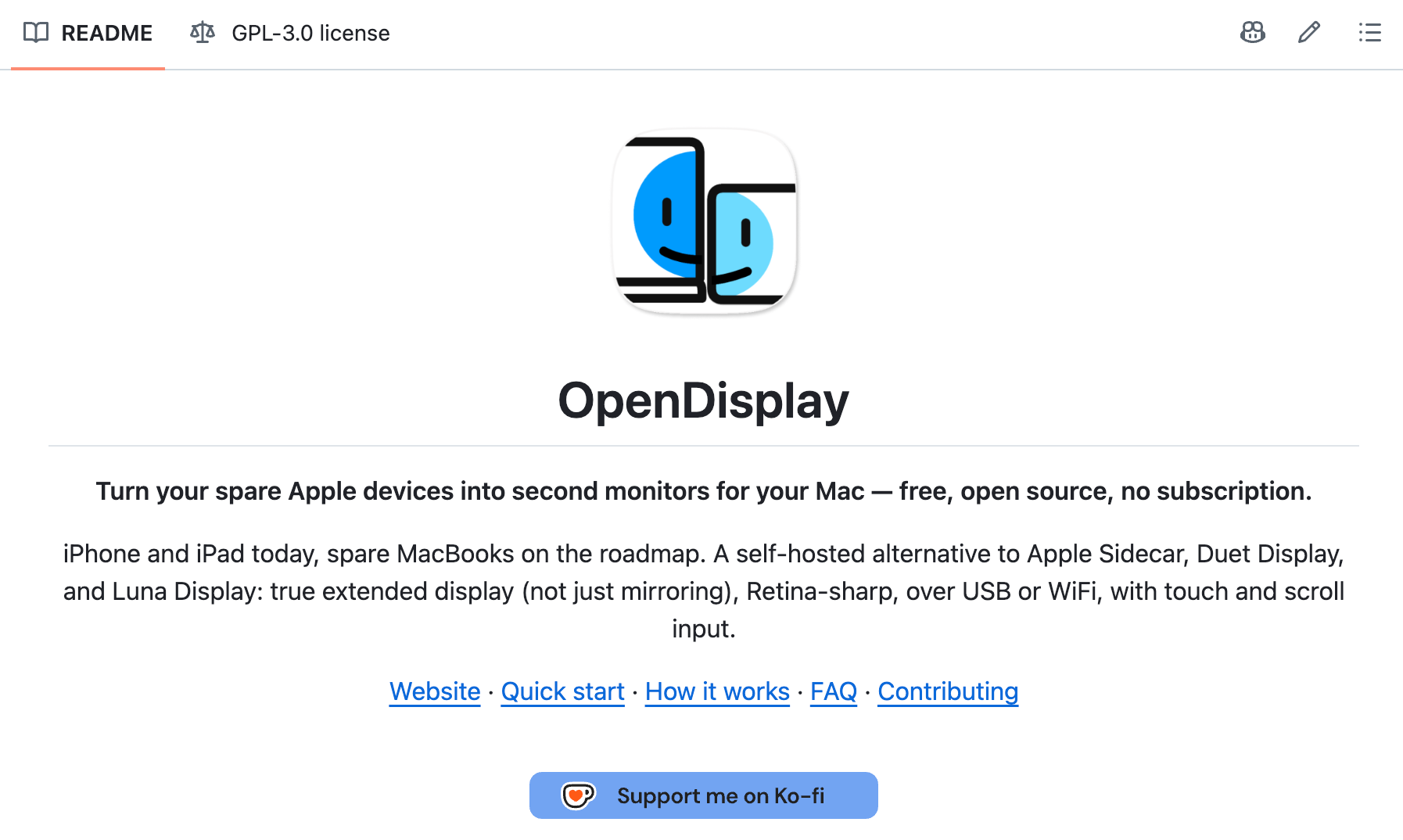
Check out the source code on GitHub: https://github.com/peetzweg/opendisplay
- Who should stay away? If you need a "plug-and-play" experience that never fails, look elsewhere. The current Wi-Fi implementation and setup complexity will only bring frustration.
After two weeks of testing, the consensus is clear: keep OpenDisplay installed as a wired USB backup solution. As for Wi-Fi mode? Leave that in the experimental lab for now. In the professional world, stability is expensive, but every once in a while, the taste of true freedom is worth the hassle.
If you enjoyed this, you might also like:
-
Inside OpenSquilla: Local LLM Routing & Hardcoded TDD for Indie Devs
-
Gumroad Pricing: What Actually Works (Based on Real Sales Data)
-
I Tested Asana’s AI Chief of Staff: Here is Why It is Not the Brain You Think It Is
A Quick Note:
The insights above are based on real-world usage and are for reference only. Your mileage may vary.
If you’ve had a similar experience or completely disagree.we’d love to hear from you: https://forms.gle/